 Dibyajyoti Kabi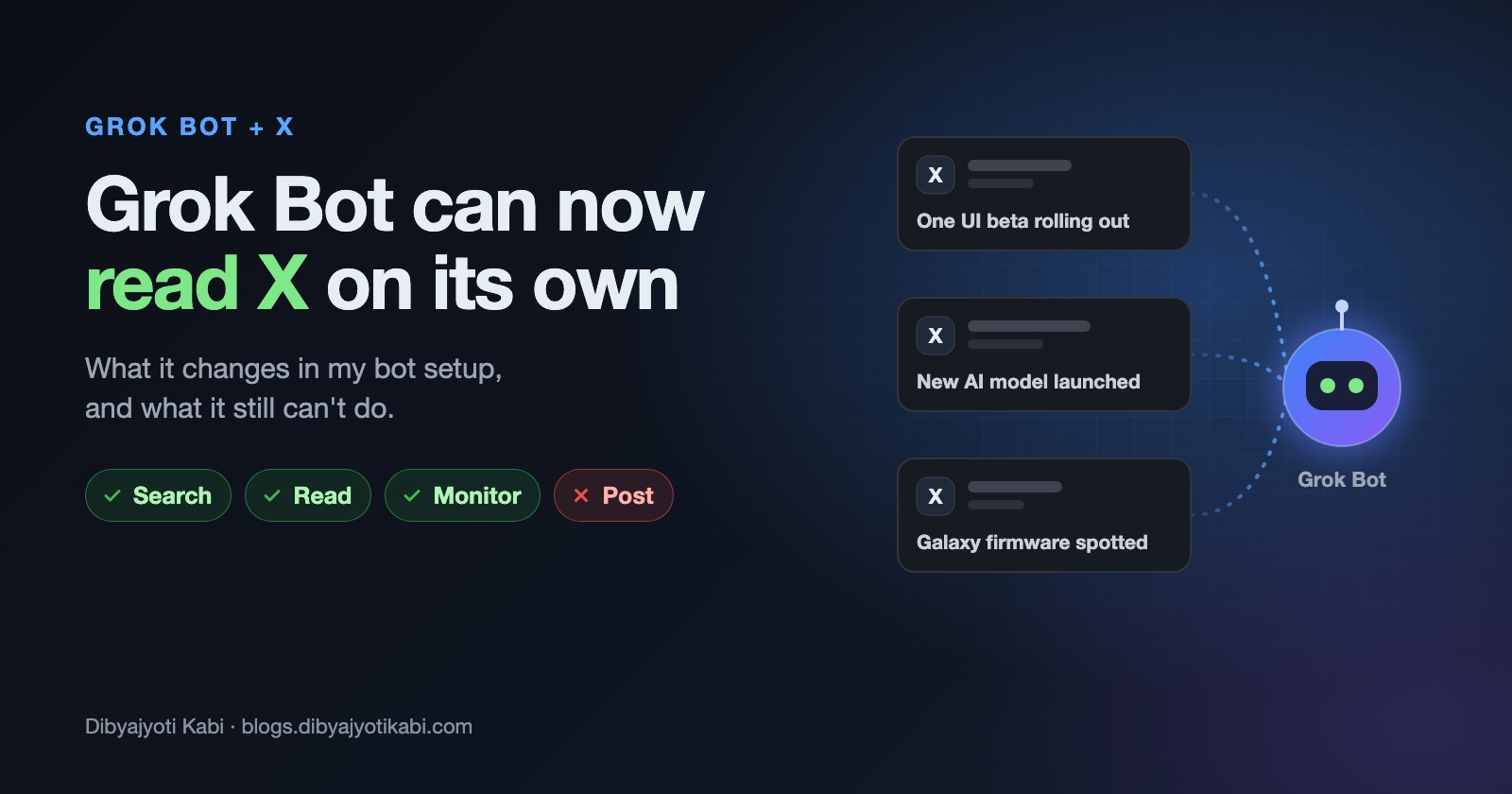
Grok Bot can now search, read and monitor X by itself. You don’t need to connect anything first. In this post, I will explain what changed, what it still can’t do, and how I’m fitting it into the Grok bots I already run.
xAI’s official bot account announced it on October 7, 2026, with a one-line post: Grok Bot can now search, read, and monitor X. TeslaNorth has a short write-up with the Grok team’s replies, if you want more than one line.
This one matters to me more than most AI news. Almost everything my bots do starts with a post on X.
What changed
Back on August 29, xAI shipped an X connector for Grok Bot. You signed in with your X account, xAI created a developer account for you if you didn’t have one, and paid users got some free X API credits to start.
That connector could search posts, read your timeline, check your mentions and summarize what’s going on. All of it was read-only. xAI called it the first version.
The October update goes one step further. Search, reading and monitoring are now built into Grok Bot itself. No sign-in step, no developer account. You just ask.
Here’s the short version:
- Native access (new): search public posts, read them, and keep an eye on a topic over time. It’s available to Grok Bot users on an eligible SuperGrok or Cursor plan.
- X connector (August): still needed for anything tied to your own account, like your home timeline and your mentions.
- Posting: not part of either one. Grok Bot can draft a post in your voice, but you send it yourself.
How I use X with my Grok bots today
Some context first, so you know where I’m coming from.
I run a small team of Grok bots. One acts as a chief of staff. The others each own one lane: Samsung software updates, AI news, AI deals, and my own X posts. I wrote about how I split those roles last month.
Until now, none of those bots could look at X directly. So I built a small watcher in Python.
It runs every hour from 7 AM to 7 PM IST. It checks a short list of accounts for each lane, like a handful of Samsung tipsters and the official AI lab accounts. It matches their posts against simple keywords (One UI, firmware, beta, rollout and so on), throws away anything it has already seen, and only then wakes the right bot.
The watcher never calls a model. That was the whole point.
Here’s why. Between September 12 and 16, I checked where my usage was going. 78% of all the messages were my bots talking to each other, not to me. Every wake re-sends a bot’s whole conversation, so a bot that checks X every few minutes in a long thread gets expensive fast.
So the rule became simple. Do the boring checking with plain code. Wake a model only when there’s something new to judge.
That watcher runs on about $10 of third-party API credit for three months. It reads one page per search and never looks back more than 90 minutes, so a missed day can’t pull in a pile of old posts.
What native X access changes for me
Native access doesn’t replace that watcher. But it fills a few gaps the watcher was never good at.
Checking a leak before I post it
My Samsung bot rewrites tipster posts into short updates for my One UI channel. The weak spot was always verification. One tipster says a firmware is rolling out, but is anyone else seeing it?
Now the bot can search X for the build number or the model number before it writes anything. If nobody else has it, the post can wait.
Questions I didn’t plan for
My watcher only knows the accounts I gave it. If a new Samsung tipster shows up, or a reader asks about a phone I don’t track, my bots had no way to look.
Now I can just ask something like “What are people saying about the latest One UI beta on the Galaxy S26 this week?” No new account list and no code change.
Weekly roundups
According to the Grok team’s replies, you can ask a bot to track a topic and come back with updates or a weekly roundup. That’s a better fit for my AI deals lane than polling. Most deals don’t need to reach me within the hour.
Drafts in my voice
A bot can now read what’s out there and draft a reply or a post for me. I still review it and send it myself. Honestly, I prefer it that way.
What it still can’t do
The announcement is one line, so here are the limits I’m keeping in mind.
- It can’t post, reply or send DMs for you. It drafts, you send.
- Your home timeline and mentions still need the X connector.
- xAI hasn’t said how far back search goes, how many posts a bot can read per day, or how often monitoring checks run. Until I know that, I won’t trust it for anything time-sensitive.
- Every native search still happens inside a bot’s turn. If you use it as an hourly poll, you’re back to the cost problem I described above.
One more thing if you plan to automate replies yourself. Since February 2026, X only allows replies through its self-serve API when the original author mentions or quotes you. That’s an X rule, not a Grok one, and native read access doesn’t change it.
How I’m splitting the work now
This is the plan I’m moving to:
- Keep the no-model watcher for the hourly lanes. It’s cheap and predictable, and it never wakes a bot for nothing.
- Let the bots use native X search only after a wake, to check a story before they write about it.
- Move the deals lane from five checks a day to a weekly roundup through native monitoring.
- Use native search by hand for one-off questions and research.
- Keep a human on every post. A bot drafts, I send.
That’s it. The new access doesn’t turn Grok Bot into a social media manager. It lets your bots look at X without any extra setup, and that’s useful enough on its own.
If you’re on the developer side, the xAI API already has an X Search tool you can call from your own code. Native access in Grok Bot is the same idea for people who don’t want to write any.
One thing to do before you connect any bot to your X account: look at what it’s allowed to do. Reading posts and publishing them are very different permissions. Here’s how I check an AI agent’s permissions before I hand over access.
Wrapping up
Native X access is a good upgrade, but how you use it decides whether it saves you time or burns your credits. Use it to look things up and check stories. Keep the constant polling in plain code.
Are you already running Grok Bot on X? Email me at [email protected] with what your bots watch and which plan you’re on, and I’ll try to help you set up something similar.