 Dibyajyoti Kabi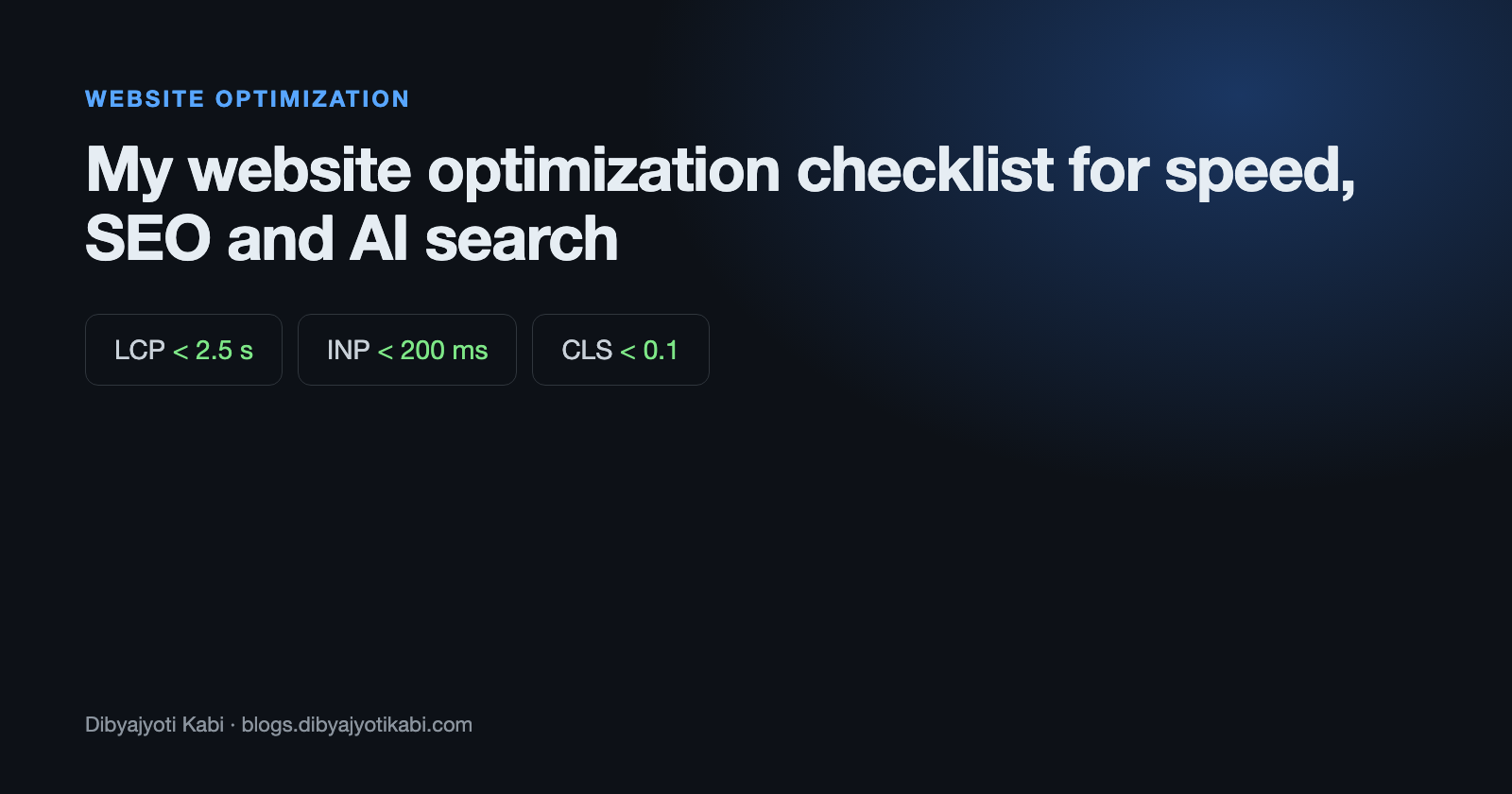
Most websites I’m asked to look at don’t have one big problem. They have fifteen small ones.
A 4 MB hero image here, three font families there, a plugin nobody remembers installing, and a robots.txt that quietly blocks half the site. Each one costs a little, and together they cost a lot.
In this post, I will give you the checklist I run on every site I build or fix. It covers speed, technical SEO and the newer part, getting your pages picked up by AI search.
Start by measuring
Don’t change anything before you know where you stand. Two free tools cover most of it.
- PageSpeed Insights. Paste your URL. The top section shows real visitor data from Chrome users, and the bottom shows a lab test.
- Google Search Console. Go to Experience > Core Web Vitals to see which groups of pages pass or fail.
Always trust the real visitor data over the lab score. A score of 65 in the lab with passing field data is fine. A score of 98 in the lab with failing field data is not.
The three numbers that matter
Google’s Core Web Vitals come down to three targets (web.dev).
- LCP (Largest Contentful Paint) under 2.5 seconds. How fast the main content shows up.
- INP (Interaction to Next Paint) under 200 milliseconds. How fast the page reacts when you tap or click.
- CLS (Cumulative Layout Shift) under 0.1. How much the page jumps around while loading.
Speed checklist
These fixes give the biggest wins on most sites.
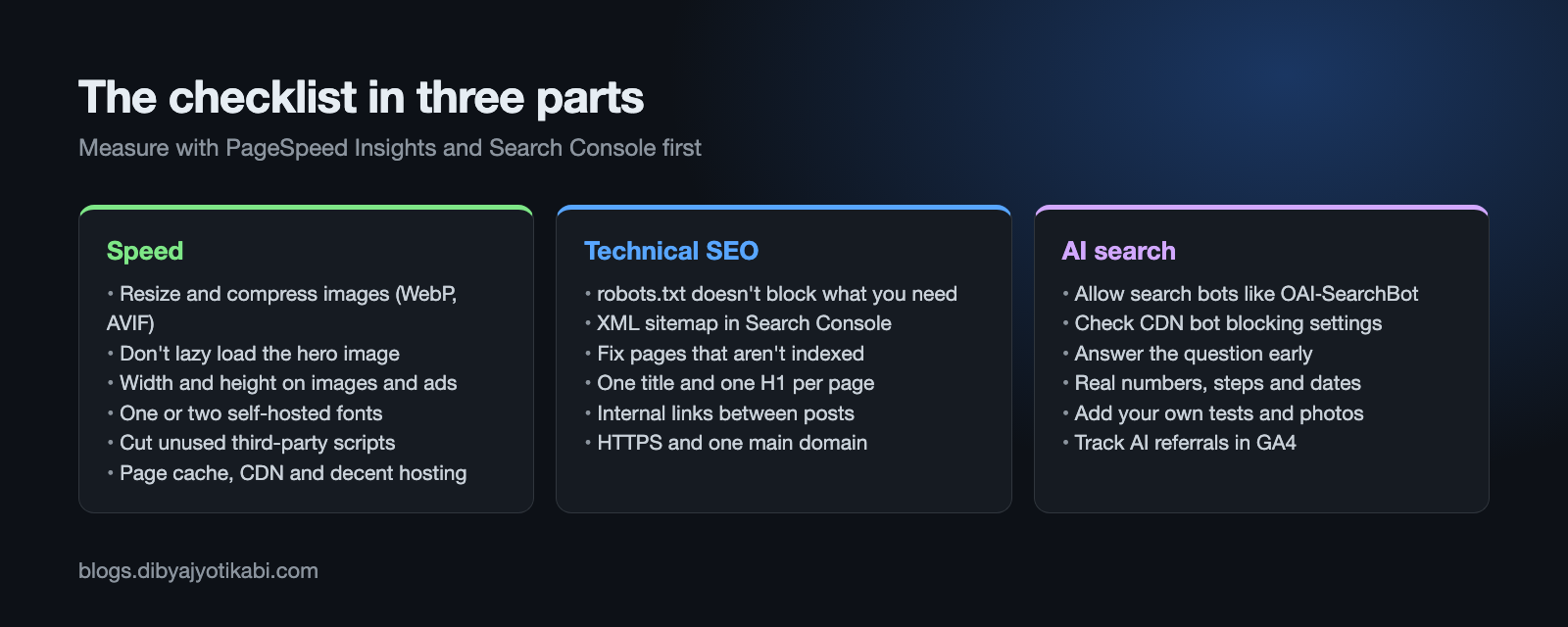
- Compress and resize images. Serve WebP or AVIF, and never upload a 4000 pixel photo for an 800 pixel slot.
- Don’t lazy load the main image. Lazy load everything below the fold, but load the hero image right away, or your LCP gets worse.
- Set width and height on images, embeds and ad slots. This stops layout shift.
- Use one or two font files, not six. Self-host them and add
font-display: swap. - Cut third-party scripts. Every chat widget, heatmap and tracking pixel adds work for the browser. Remove what you don’t actually use.
- Turn on page caching and a CDN. On WordPress that means a caching plugin plus something like Cloudflare in front.
- Pick decent hosting. Cheap shared hosting with a slow server response will hold you back no matter how much you tune the front end.
If you run ads, INP is usually your weak spot. I wrote a separate guide on fixing INP on WordPress sites with AdSense. And if you want to see how this works at a much bigger scale, here’s how we handled Core Web Vitals on live newsrooms.
Technical SEO checklist
Speed doesn’t help if search engines can’t read your pages.
- Check robots.txt at yourdomain.com/robots.txt. Make sure it doesn’t block pages, CSS or JavaScript you want indexed.
- Submit an XML sitemap in Search Console under Indexing > Sitemaps.
- Look at Indexing > Pages in Search Console. Fix anything important listed as “Crawled, currently not indexed” or “Not found (404)”.
- Give every page one clear title and one H1, and write a meta description that a human would click.
- Link your posts to each other. Pages with no internal links pointing to them are hard for crawlers to find.
- Use HTTPS everywhere and redirect the old http and www versions to one main address.
- Make sure the site works well on a phone. Google indexes the mobile version first.
AI search checklist
This is the part most people haven’t caught up with yet. Google AI Overviews, AI Mode, ChatGPT search and Perplexity all pull from websites and link to them.
The good news is that Google says you don’t need anything special for its AI features. Pages just need to be indexed and eligible to show a snippet. Google also says there’s no special schema markup or AI text file required (Google Search Central).
So the basics above already do most of the work. On top of that, here’s what I do.
- Let the search bots in. Allow Googlebot, Bingbot, OAI-SearchBot and similar crawlers. If you block AI training bots, make sure you didn’t block the search ones by accident. I explained the difference in my robots.txt guide for AI bots.
- Check your CDN too. Cloudflare and other CDNs have their own bot blocking settings that can stop AI crawlers even when robots.txt allows them.
- Answer the question early. Put a short, direct answer near the top of the page, then explain the details below it.
- Be specific. Real numbers, exact steps, model numbers and dates get quoted. Vague filler doesn’t.
- Add what only you know. Your own tests, screenshots and experience are hard for an AI to find anywhere else, which makes your page worth citing.
- Keep it updated. Show a clear “last updated” date and actually refresh old posts.
- Keep key content in text. Don’t hide your main points inside images or behind tabs that need clicks to load.
How to track AI traffic
Google counts clicks from AI Overviews and AI Mode in Search Console under the regular Web search type. There’s no separate filter for every site yet.
For other AI tools, open Google Analytics and go to Reports > Acquisition > Traffic acquisition. Look for sources like chatgpt.com, perplexity.ai, copilot.microsoft.com and gemini.google.com.
The numbers will probably be small at first. Watch the trend over a few months, not the daily count.
Wrapping up
That’s it. Measure first, fix images, fonts and scripts, make sure crawlers can read everything, then write pages that answer questions clearly. The same work that makes a site fast and easy to crawl is what gets it cited by AI search.
What platform is your site on, and what does PageSpeed Insights show for your homepage right now? Share the numbers in the comments and I’ll tell you what to fix first.