 Dibyajyoti Kabi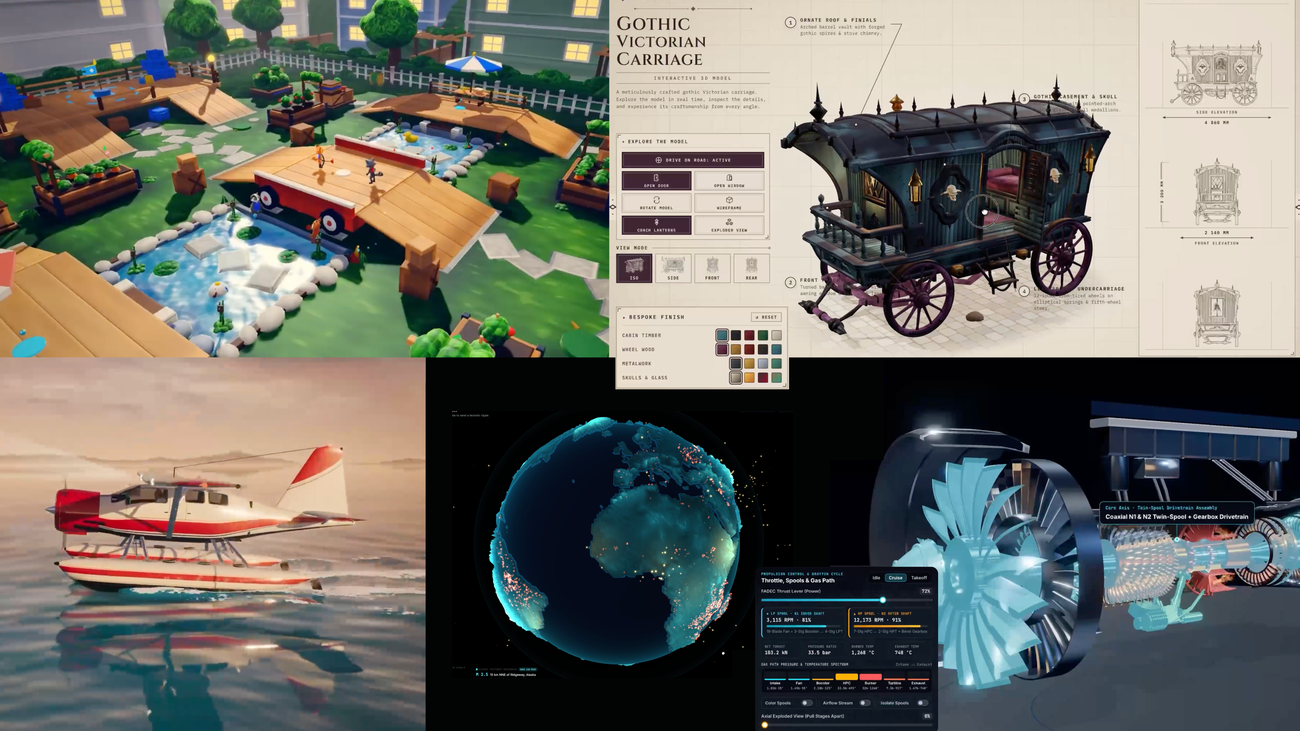
Google has been showing what people are building with Gemini 4 Argon, including interactive globes and working simulations. Its October 23 showcase gives you something more useful than another model ranking: examples of work you can actually inspect.
If you’re wondering whether Argon deserves a place in your setup, I’d start with a small job from your own work. Let me show you the tests I’d use before paying for another AI subscription.
This is a practical evaluation guide. I haven’t run a comparison of Argon against other models for this article.
Cover: Screenshots of community projects featured in Google’s builder showcase. Image: Google and the featured creators.
Where can you use Gemini 4 Argon?
Google’s October 23 builder post lists Argon in the API for developers and enterprises, Google Antigravity for Google AI Ultra and paid Pro subscribers, and the Gemini app and AI Mode in Search for Google AI Pro and Ultra subscribers. Check the current options in your account before buying access.
That date matters. Google’s September announcement described a restricted release. Reading only that older post would give you the wrong picture of who can use it now.
You also don’t need every entry point. If you’re checking whether it can explain a document, begin in the app you already have. Save an API setup for a task that actually needs one.
What should you ask Argon to do first?
I’d give Argon a task with a result you can verify yourself: fix a small bug, compare a few source documents, or build a simple interactive tool. Keep the input small enough to understand, and decide what a correct result looks like before you send the prompt.
Here’s the difference between a useful test and an impressive-looking answer. If you ask for a beautiful website, almost any attractive page can feel like a success. If you ask for a calculator that handles a blank field correctly, you can check whether it does.
Fix a bug you can reproduce
Choose a small project you understand. Use a copy or a separate branch, then describe the exact problem.
This calculator shows an invalid result when the visitor leaves the cost field empty. Find the cause, make the smallest fix, and explain how I can check an empty field, a zero value, and a valid value. Keep the existing design.
Now follow those checks yourself. Did the original problem disappear? Did a valid input keep working? Could you understand the explanation well enough to maintain the change?
I would record those answers before trying another prompt. Otherwise, it’s too easy to remember the polished explanation and forget the broken button.
Compare documents without filling the gaps
Take a couple of public product pages or documents you’re allowed to share. Ask for a comparison that separates facts from missing information.
Compare these hosting plans for my small blog. Use only the supplied pages. Link each factual claim to its source, mark anything the pages don’t specify, and list the questions I should ask the provider before choosing.
Check the original pages afterward. In particular, look for missing renewal terms, limits, or assumptions the answer quietly added.
Build one tool with a clear purpose
Google’s builder showcase includes ambitious visual projects. For your own test, I’d go smaller: a reading-time estimator, a comparison table you can filter, or a page that helps you organize an article outline.
Build a reading-time estimator with an editable text box. Explain the reading-speed assumption, show the word count, and handle an empty input without an error. Make it usable on a phone.
These are suggested tests, not results I’ve measured. Pick one that resembles the work you actually do.
How do you decide whether it’s worth keeping?
Keep a short note of the task, whether the result worked, what you corrected, and whether you’d use it again. If you compare another model, give it the same input and the same checks. Change one thing at a time so the comparison tells you something.
| What I’d check | What I’d write down |
|---|---|
| Correctness | Did the result pass my checks? |
| Missing information | Did it ask, disclose a gap, or guess? |
| Effort | How much fixing did I do afterward? |
| Usefulness | Would I use the finished result? |
Before connecting accounts, read my guide to checking an AI agent’s permissions. A good result on a small task is a reason to try another task. I’d still review what access the next one needs.
That’s it. Start with something you can check, then decide from the result. What would you use Argon for: coding, research, or a tool for your blog? Tell me the task and the setup you’re using.